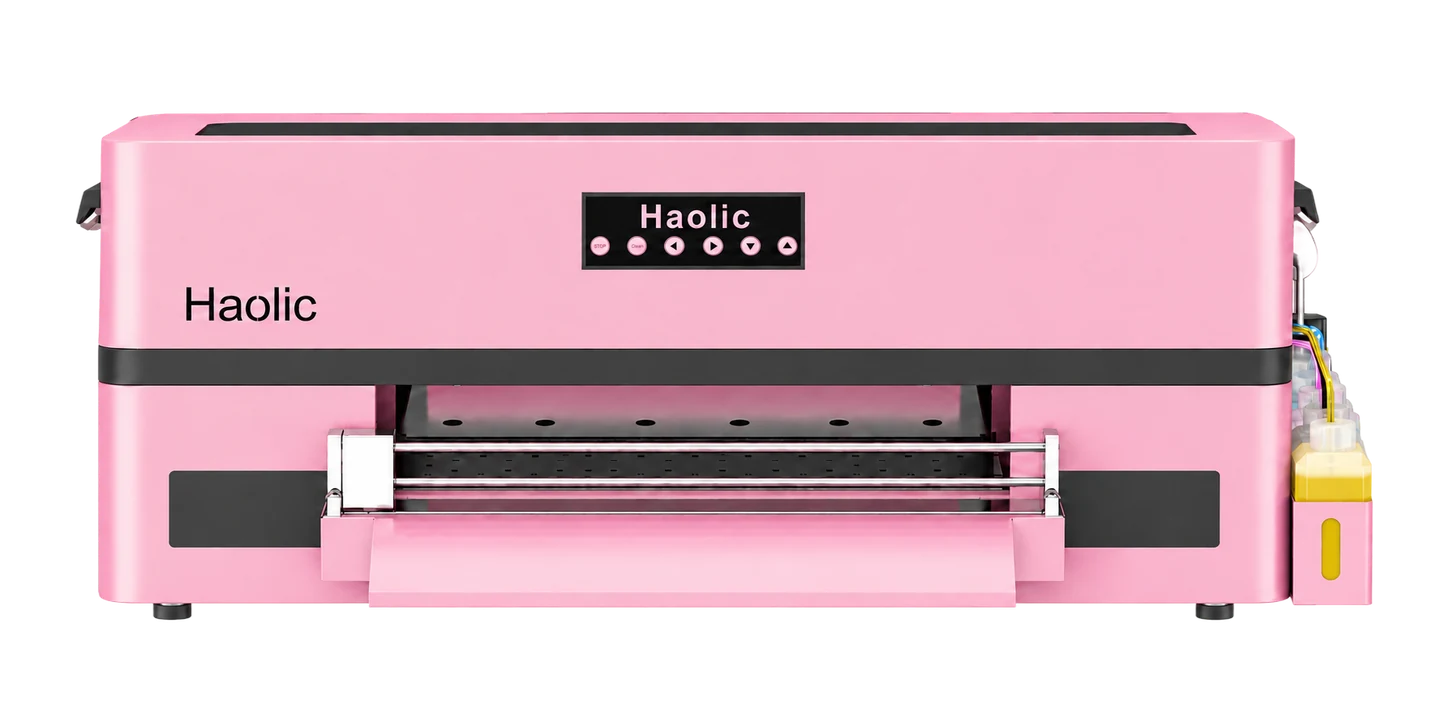
Haolic XP-2 Desktop DTF PrinterHaolic XP-2
Desktop DTF Printer

More Creating.Less Maintenance.

XP-2 LAUNCH SPECIAL

Explore XP-2 Early Bird Offers

Choose the configuration that works for your studio.

XP-2 early bird offer

XP-2 EXCLUSIVE OFFER

A little thank-you for coming back

Enjoy $100 off your XP-2 purchase as a returning Haolic customer.

XP2LOYAL100

Code not working? Contact support to verify your previous order and receive assistance.

Contact support →

16 sq ft/hr

One-Touch Cleaning

2 in 1 software .No dongle needed.
Compact Design for Home Businesses
Driver-Free. Control at Your Fingertips.
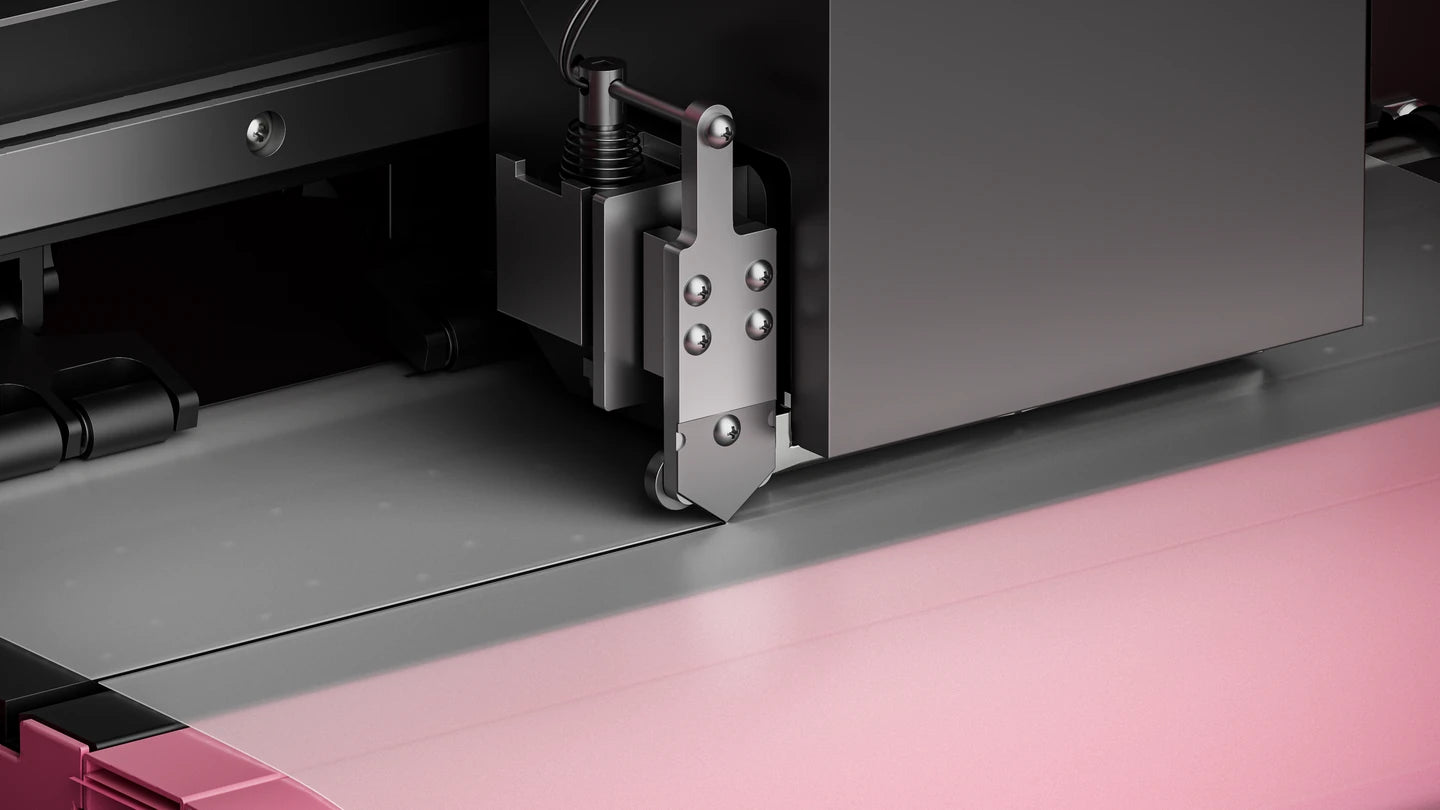
Automatic Film Cutting

Smart Sleep Mode
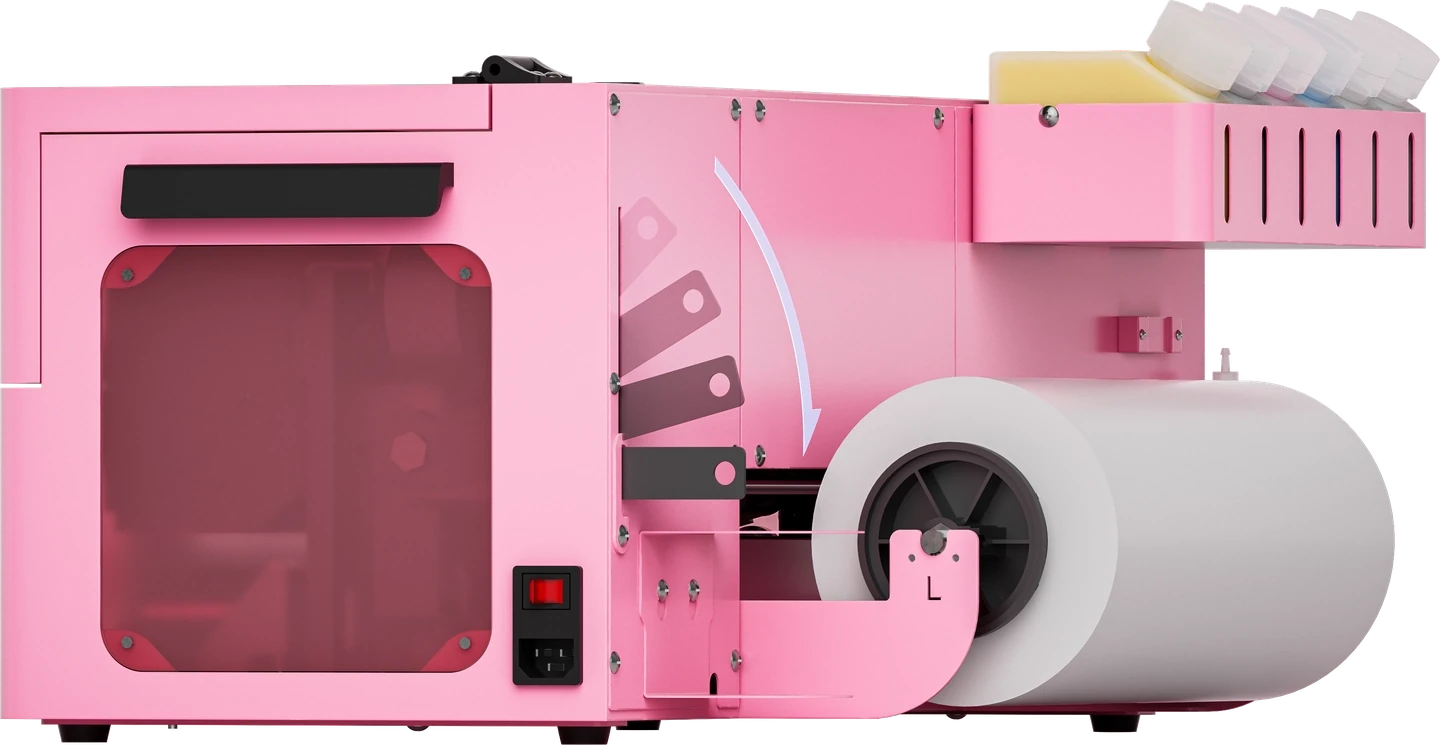
One-Touch Pinch Roller Lift

Smaller Size. Bigger Possibilities.Smaller Size.
Bigger Possibilities.

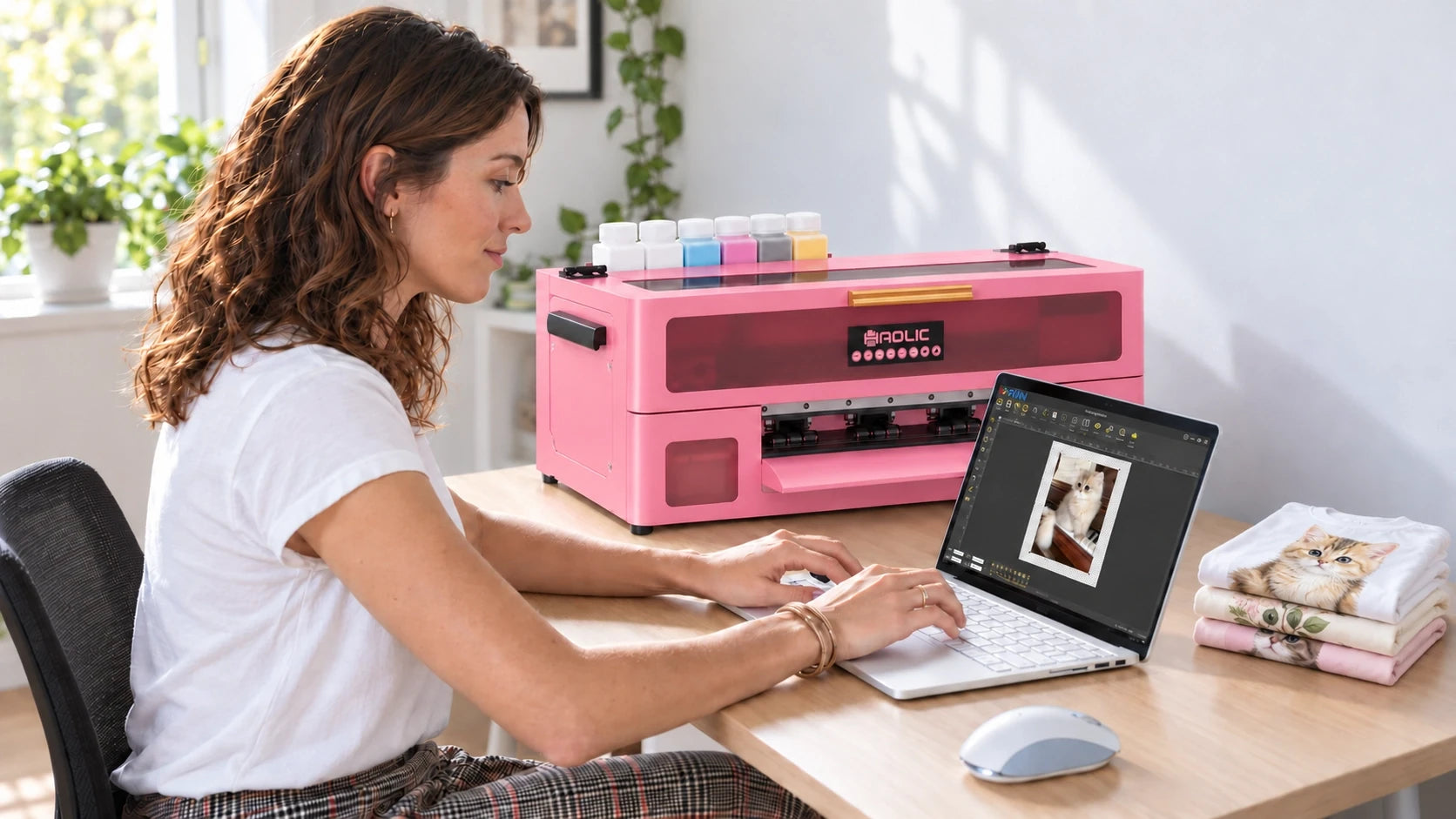
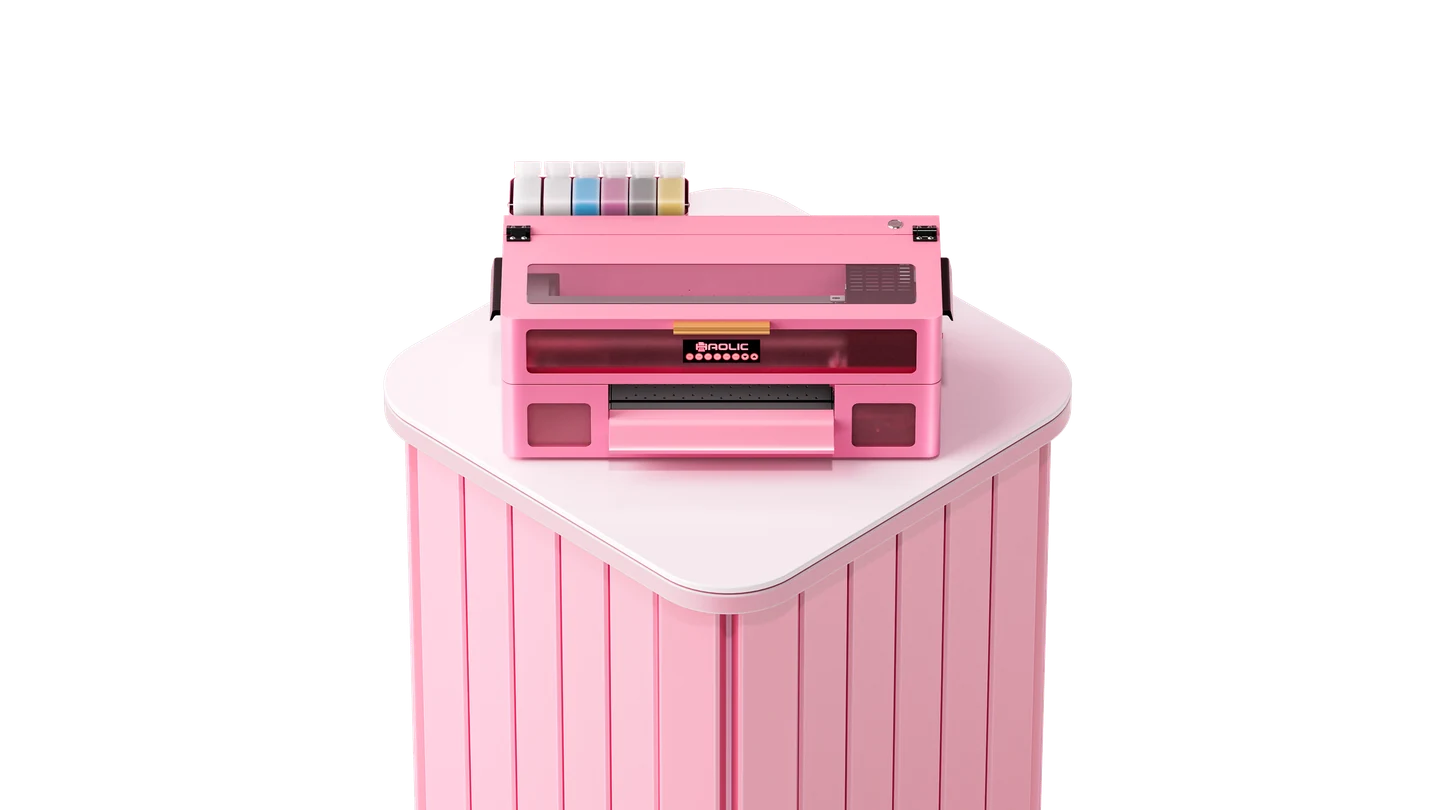
Designed for home businesses and desktop studios, XP-2 delivers professional 13-inch DTF printing in a compact footprint. Save valuable workspace and start your business without needing a large production area.
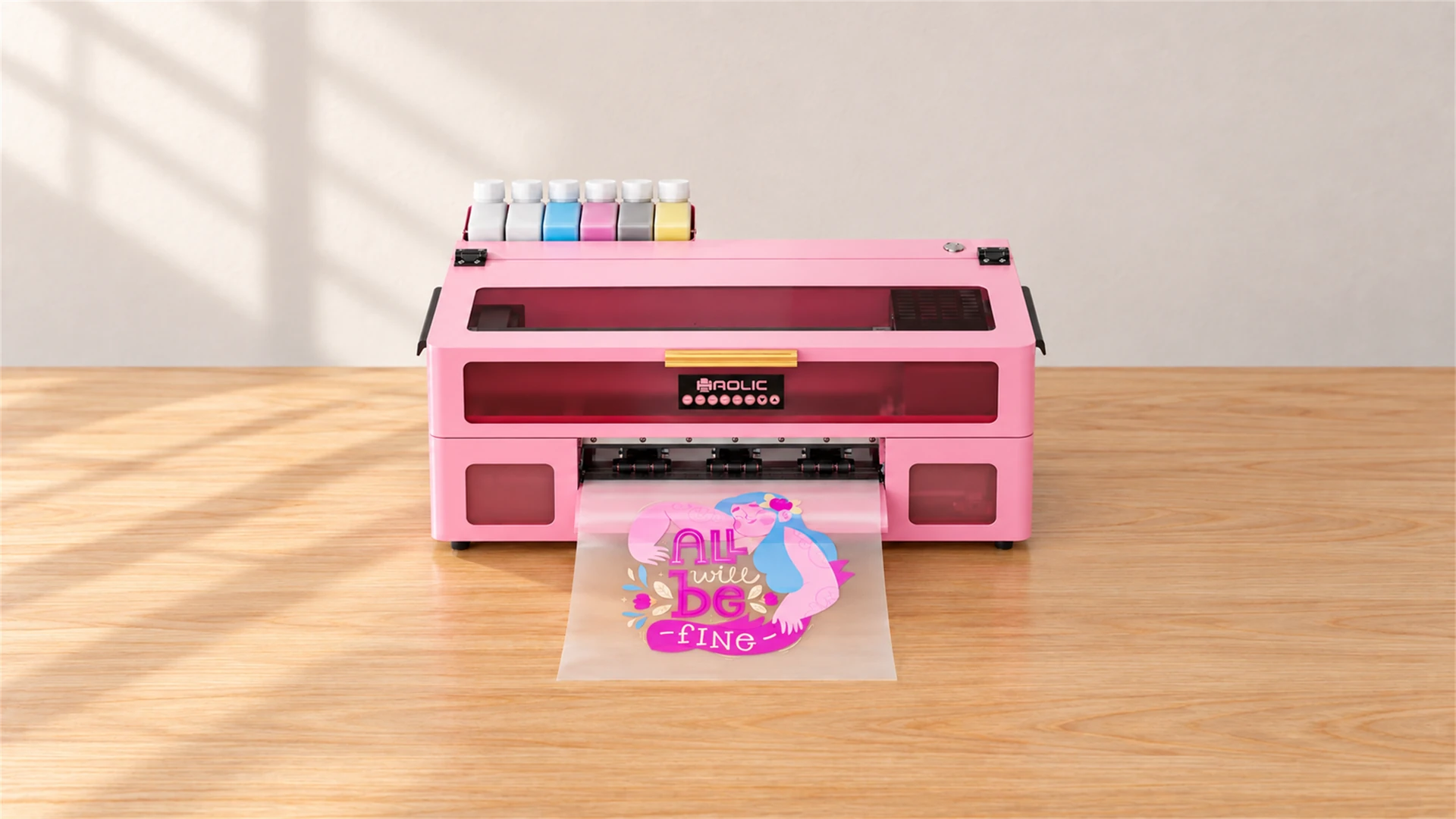
XP-2 13-inch printing width

Built for Daily Production.
Designed for Professional Quality.

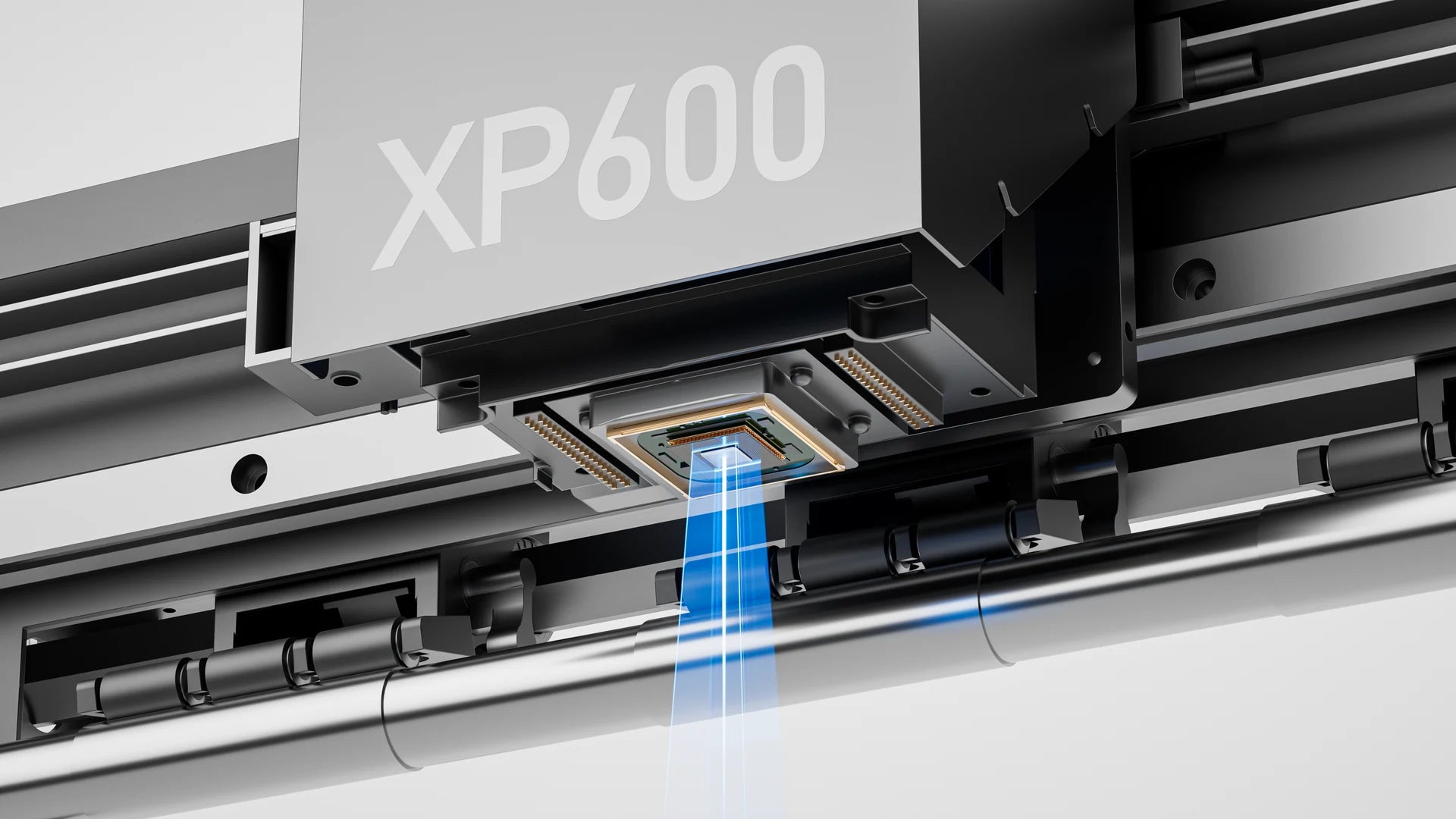
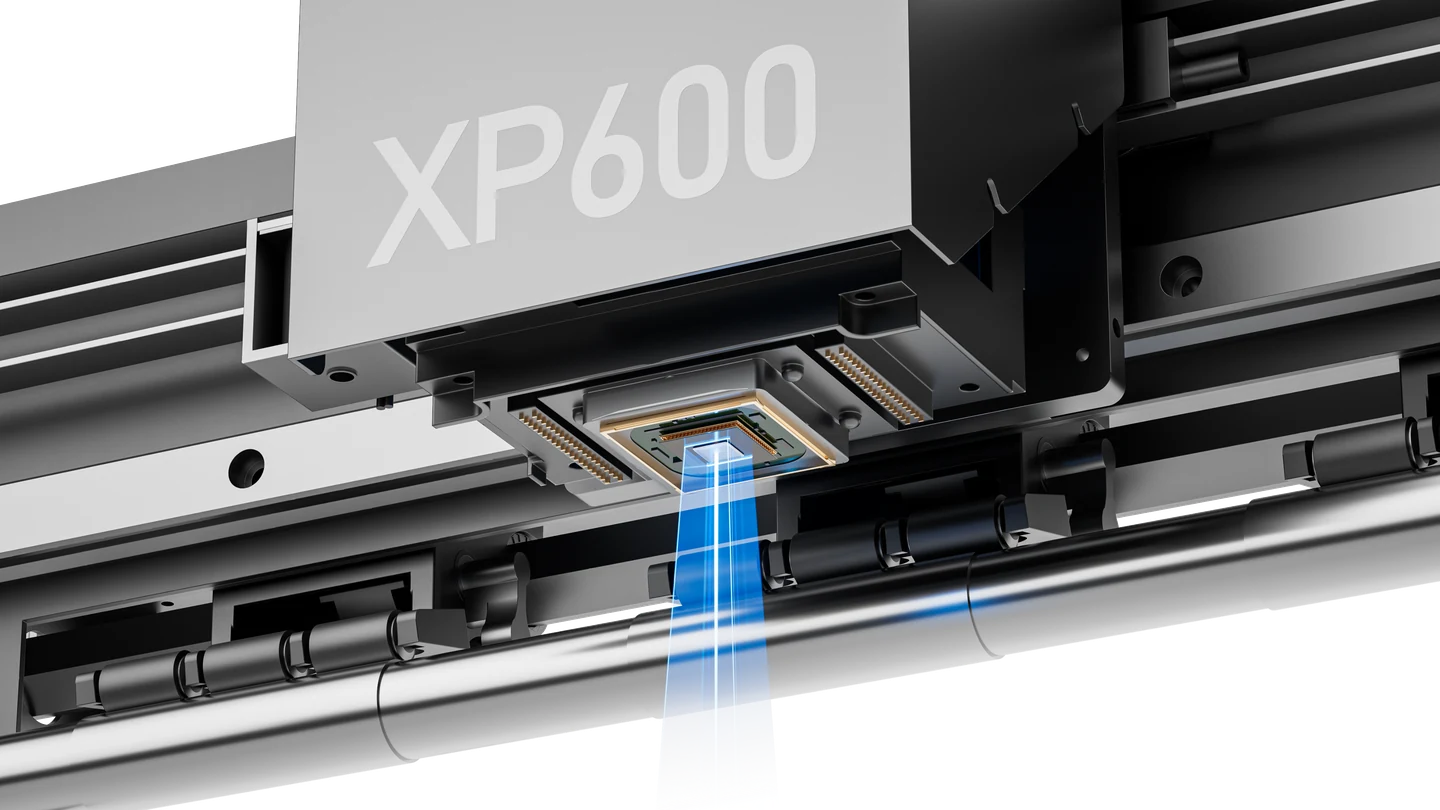
Powered by the XP600 printhead, it delivers up to 2160 dpi resolution with vibrant colors and sharp details. Print up to 100 A3-size T-shirts per day while maintaining consistent quality. The upgraded 57 stepper motor, 10 mm timing belt and optimized ink system ensure smooth feeding, accurate positioning and reliable color throughout long print runs.


Print detail comparisonXP-2Other

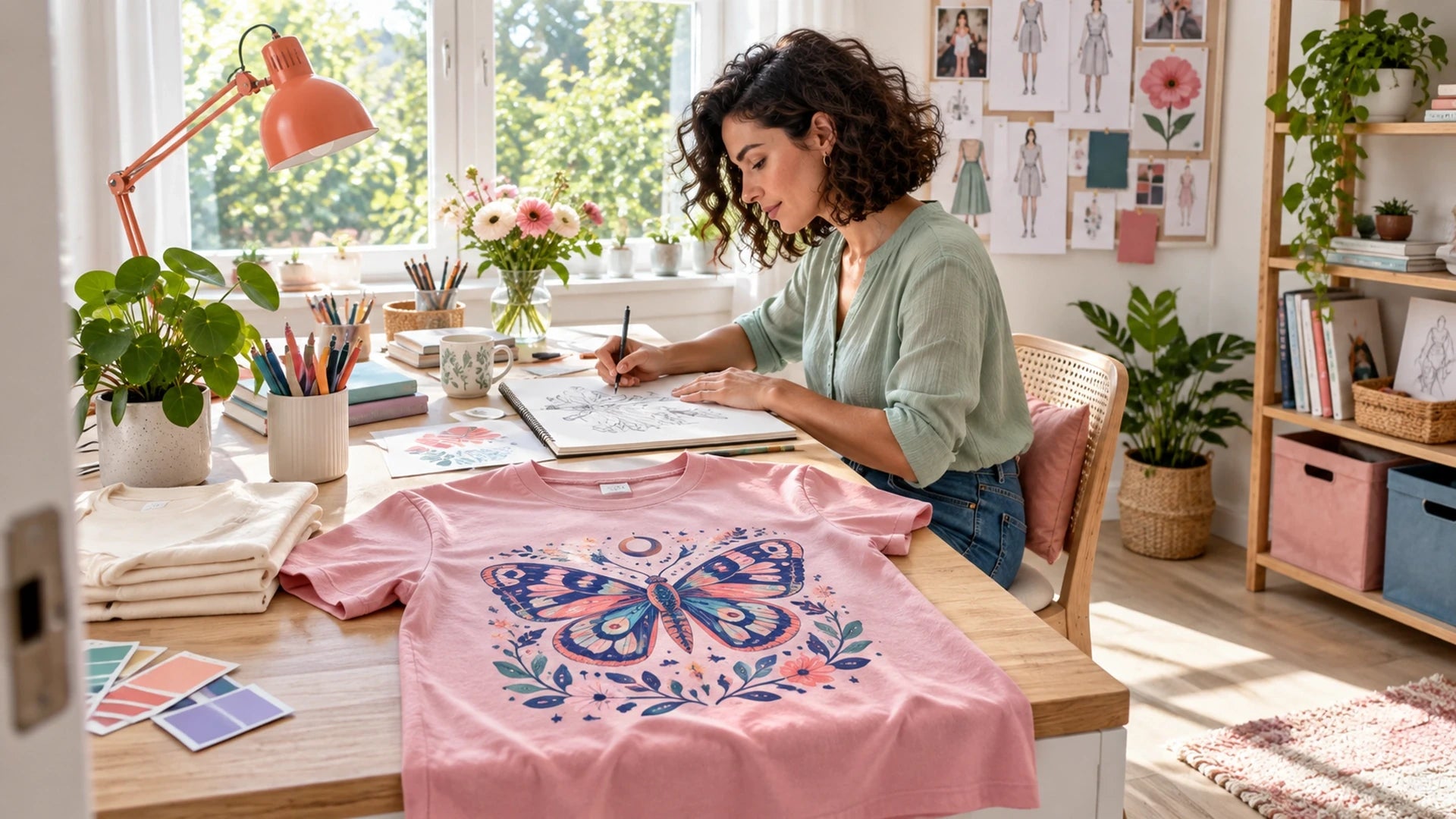
Designed for Every Use CaseYour Multicolor Playground

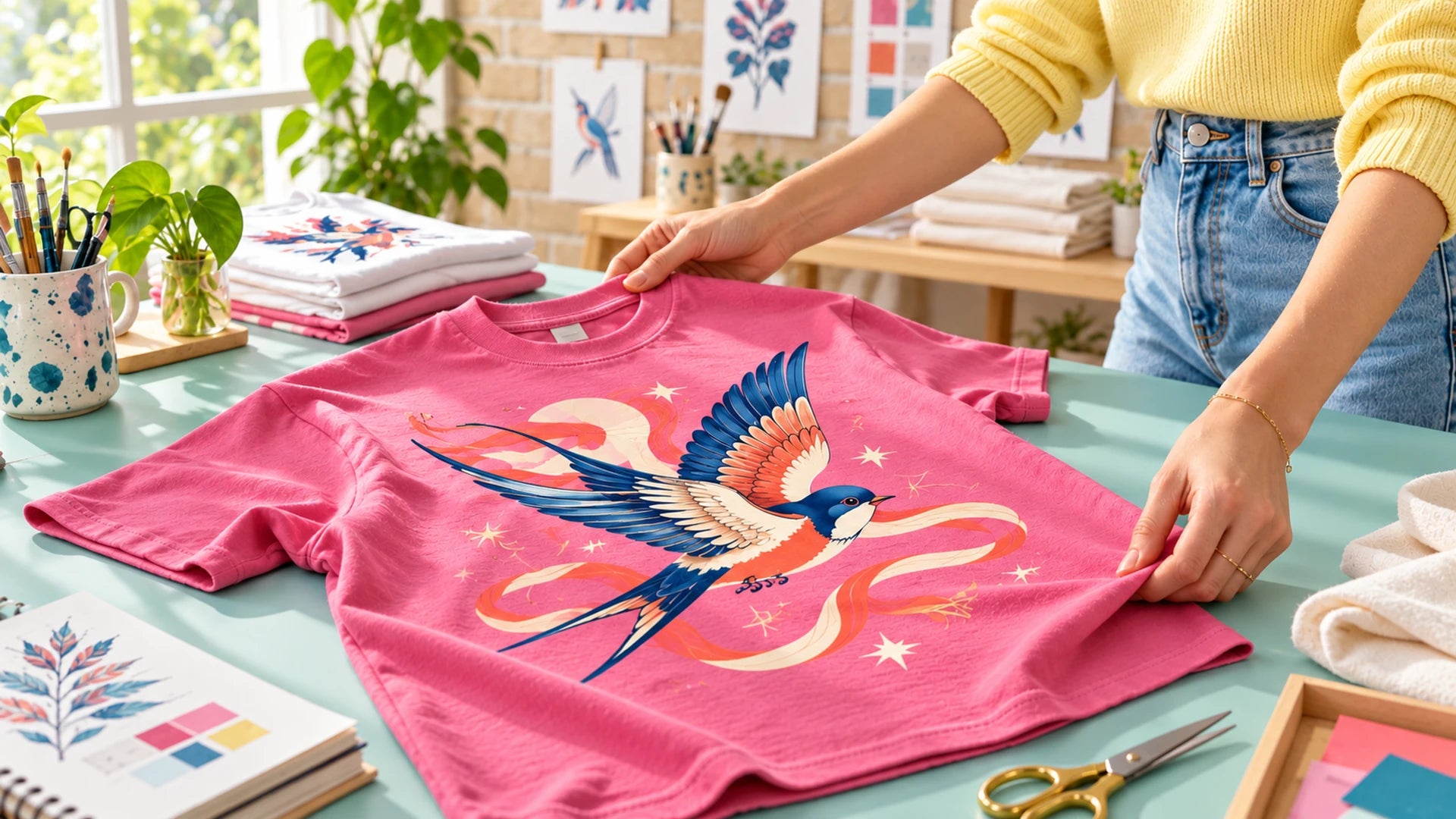
Custom T-Shirts

Custom T-Shirts

Apparel Brands

Apparel Brands

Tote Bags

Tote Bags

Small Business

Small Business

Personalized Apparel

Personalized Apparel

Home Studio

Home Studio

1 of 6

Smarter Controls.
Less Daily Maintenance.

Smarter Controls.
Less Daily Maintenance.

One-touch controls and smart automation simplify setup, ink management, film handling, and daily maintenance.

Smarter Controls.
Less Daily Maintenance.

One-touch controls and smart automation simplify setup, ink management, film handling, and daily maintenance.

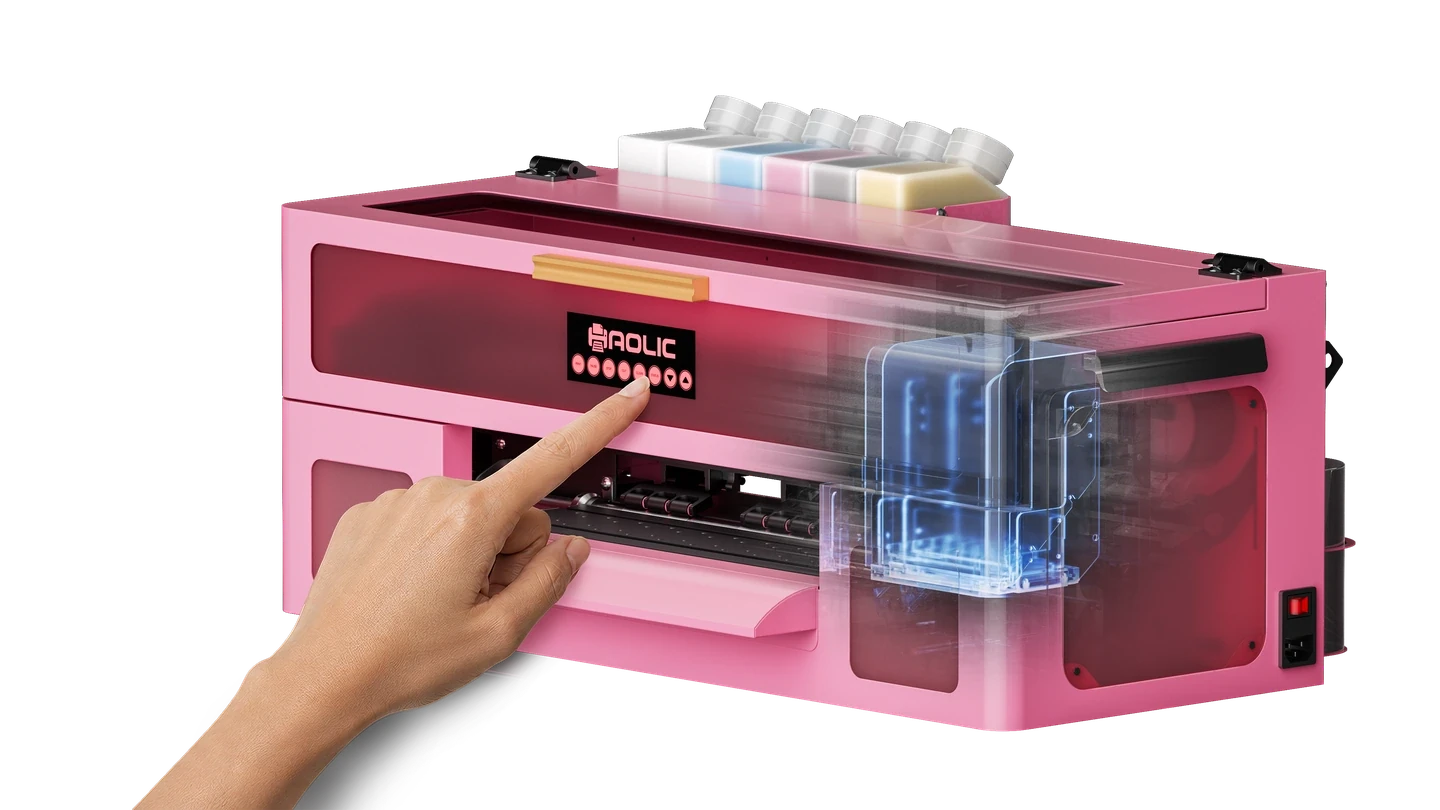
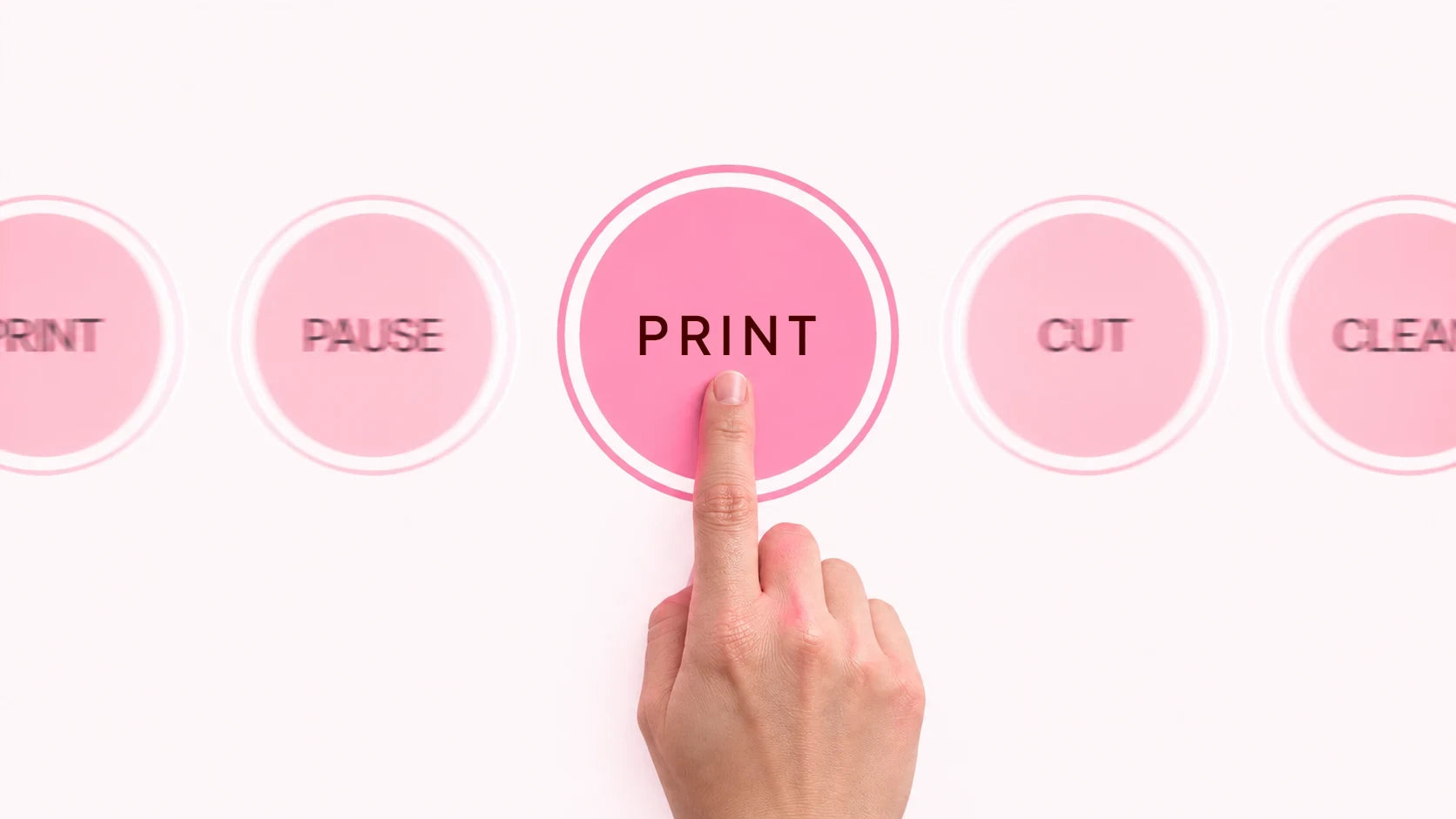
Clean the printhead directly from the touchscreen without using a computer.

Easy Control.
Smarter Standby.

Use the HD touchscreen to control your printer and set copy counts. Smart Sleep Mode reduces idle noise and power use, while Vacation Mode runs scheduled maintenance with the printer powered on and no computer connected.
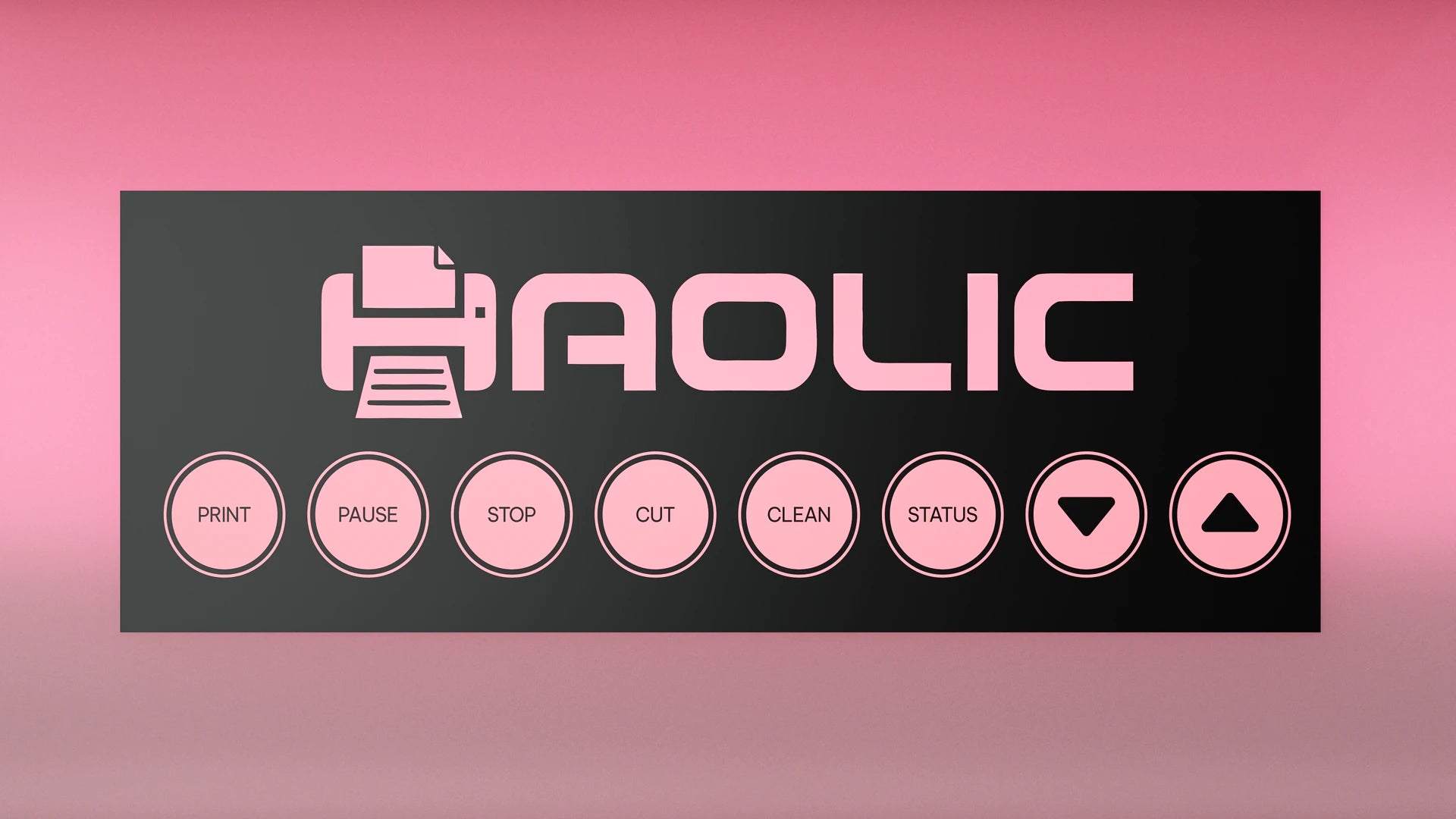
HD touchscreen controls

HD Touchscreen Control

Control your printer through a clear HD touchscreen for easier everyday operation.
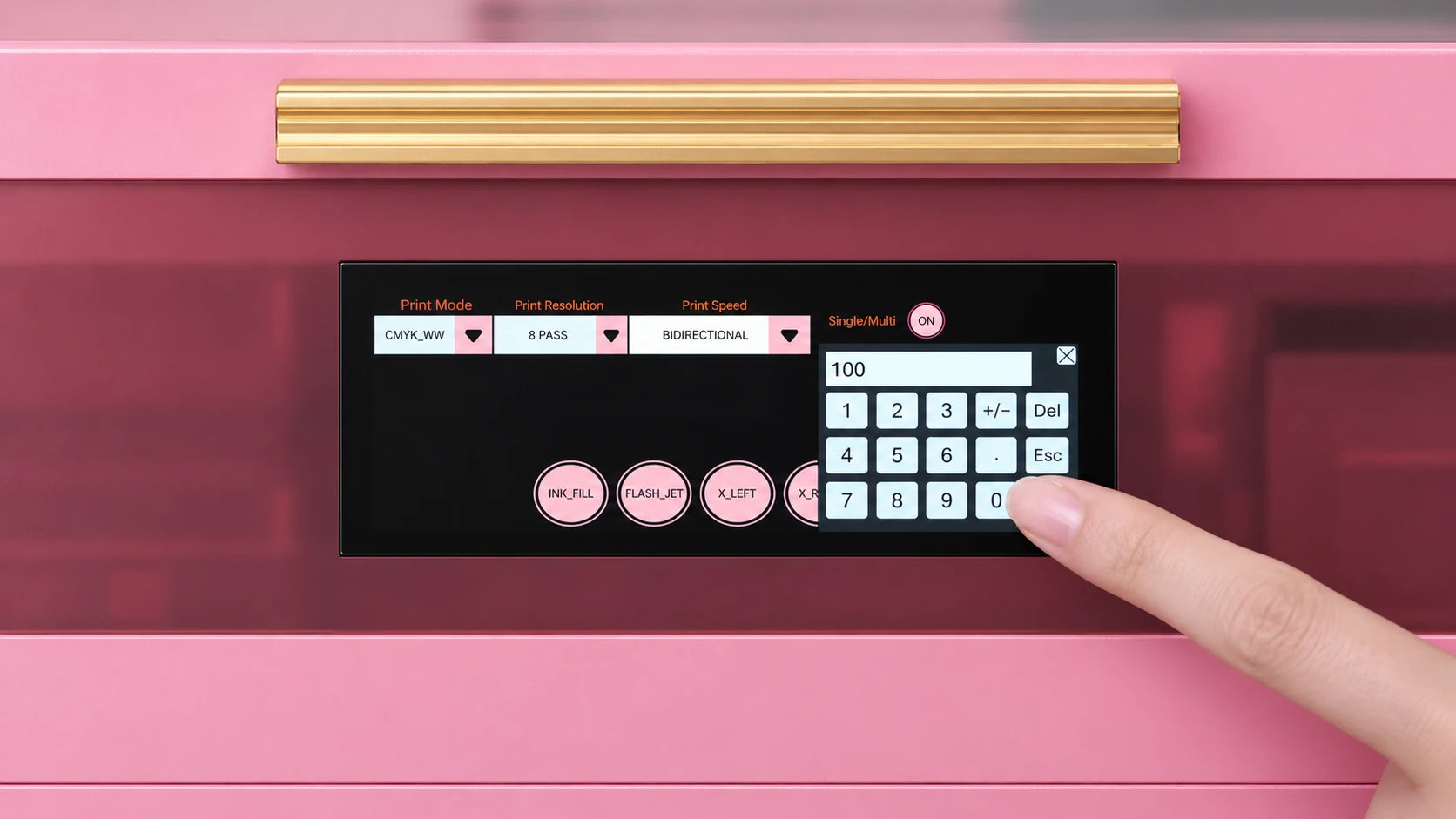
Set copy count on the touchscreen

Set Multiple Copies via Touchscreen

Set the number of copies directly on the touchscreen to easily print the same design multiple times.

Smart Sleep Mode

After 1 minute of inactivity, the vacuum fan automatically turns off to reduce noise and power consumption while the printer stays ready to work.

Computer-Free Vacation Mode

Runs scheduled white ink circulation and light nozzle firing with minimal ink use.

More Control. Easier Access.

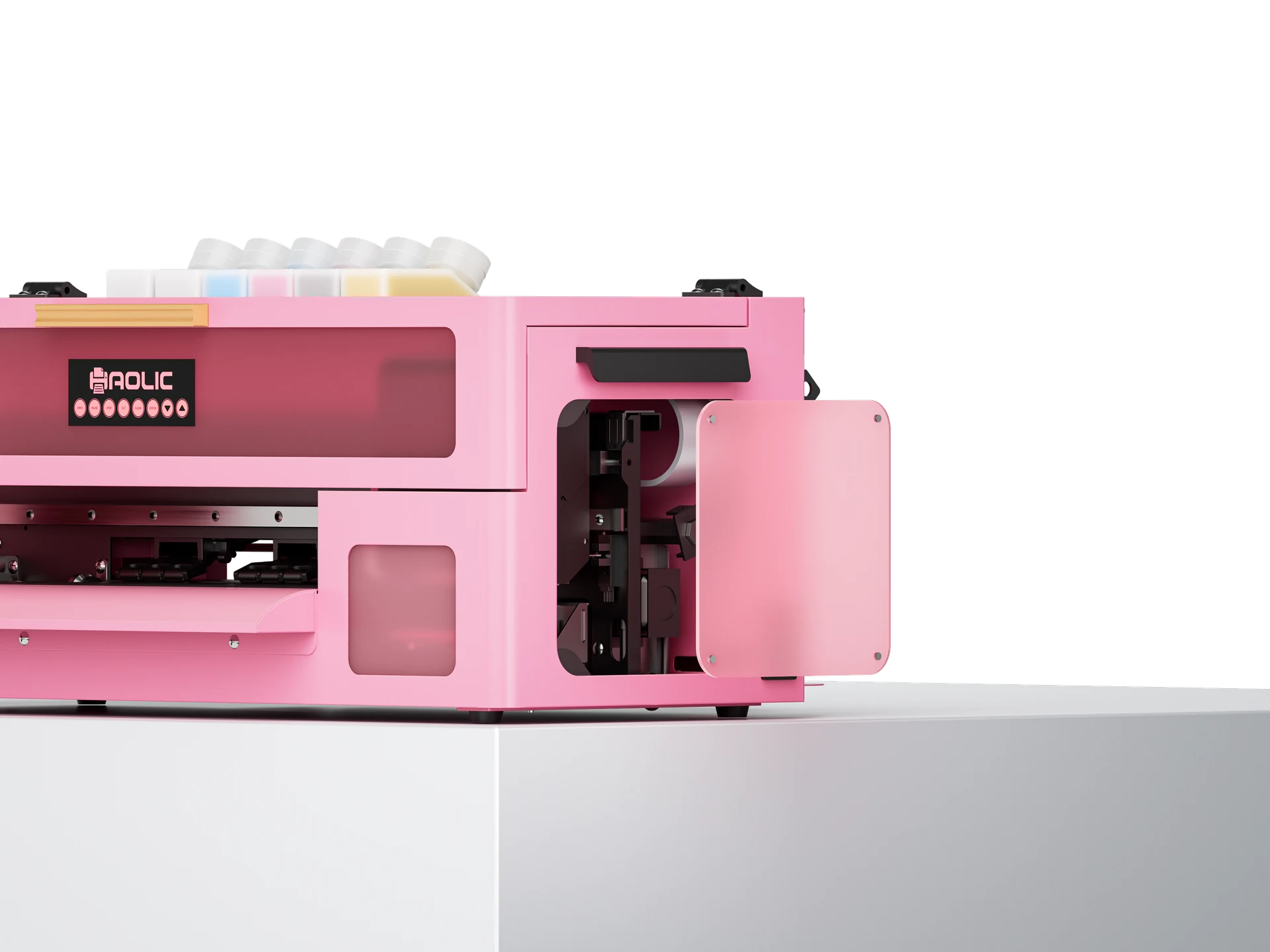
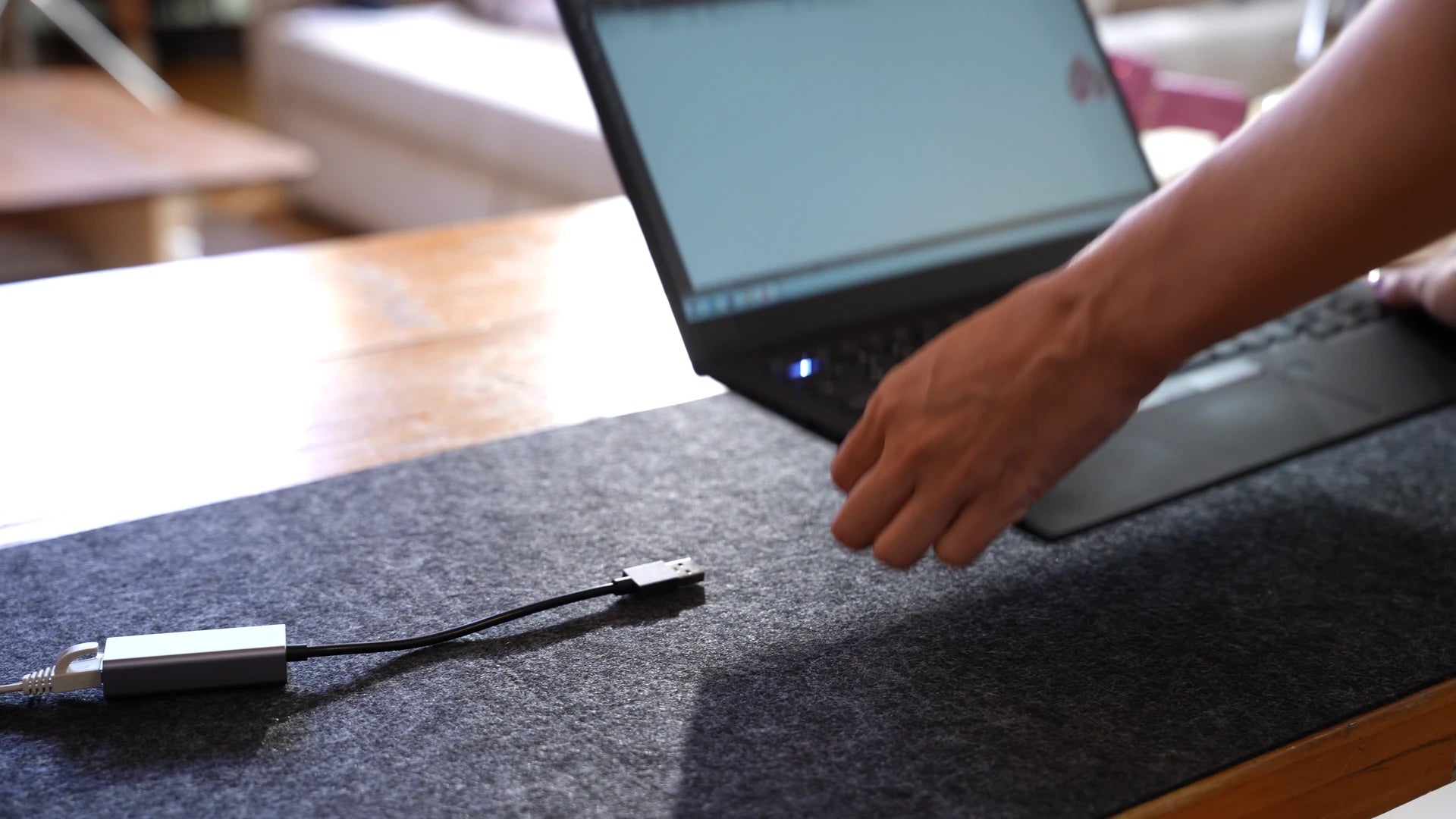
A one-tap emergency stop, forward/reverse film control, and two wide maintenance doors make operation and maintenance easier. Once the print job is fully transferred, disconnect your computer’s USB cable while the printer finishes the job.
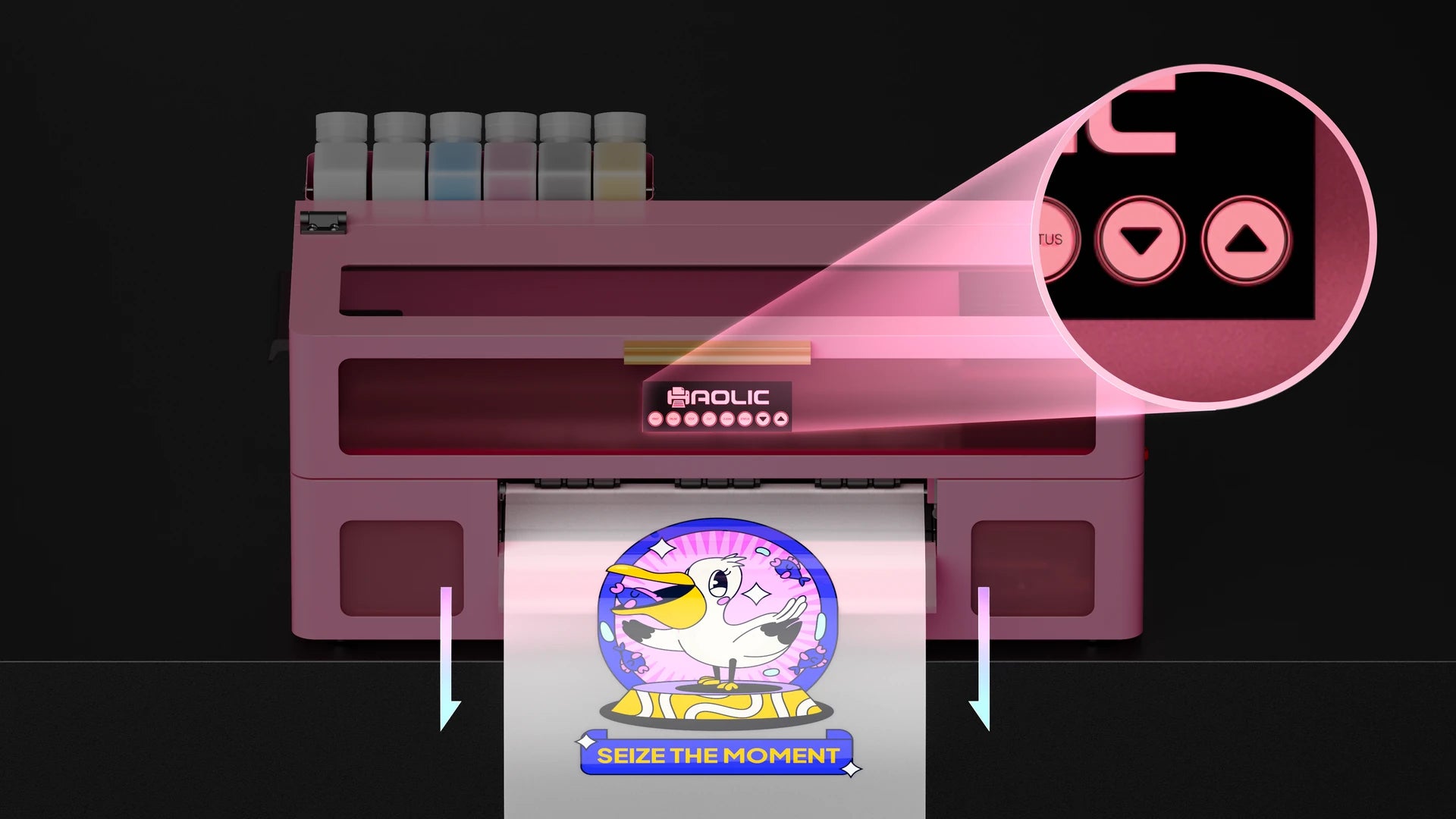
One-Tap Emergency Stop

Specifications

XP-1 desktop DTF printer

XP-1 Pro

Specifications comparison: XP-2 and XP-1
SpecificationXP-2XP-1 Pro
Product TypeDesktop DTF PrinterDesktop DTF Printer
Print Width13"13"
PrintheadXP600XP600
Drive System57 Stepper Motor + 10 mm Belt42 Stepper Motor
Ink SystemUpgraded Ink DeliveryStandard Ink System
White InkAuto CirculationAuto Circulation
Head CleaningTouchscreen One-Touch CleaningSoftware Cleaning
Film CutterAutomaticManual
Pinch RollerOne-Touch LiftStandard
MaintenanceDual Maintenance DoorsStandard Access
Workspace LightIndependent LED—
OperationPC +TouchscreenPC + Buttons
ConnectionEthernetUSB

Frequently Asked Questions

Is the Haolic XP-2 beginner-friendly?

Yes. The XP-2 is designed for beginners, home-based businesses, and growing studios. Its HD touchscreen, one-touch controls, and simplified maintenance features make everyday printing easier to manage. Haolic also provides one-on-one setup guidance to help you get started.

Can the XP-2 print directly onto T-shirts?

No. The XP-2 uses Direct-to-Film (DTF) technology to print designs onto transfer film. After applying and curing the adhesive powder, you can transfer the design onto fabric using a heat press. This workflow makes it easy to customize a wide variety of apparel and fabric products.

What types of products can I customize with the XP-2?

You can create full-color transfers for T-shirts, hoodies, tote bags, denim, and other compatible fabric products. DTF transfers work with cotton, polyester, and many blended fabrics, giving you flexibility for personal projects and small-business orders.

What's the difference between the XP-2 and XP-1?

Both printers offer a 13-inch print width, an XP600 printhead, and automatic white ink circulation. The XP-2 builds on that foundation with touchscreen controls, Ethernet (LAN) connectivity, and updates to its drive and ink-delivery systems. These changes are designed to make everyday operation more convenient. See the specifications comparison above for a side-by-side breakdown.

Do I need to keep my computer connected while printing?

A computer running HaolicRIP is needed to prepare and send print jobs to the XP-2 over an Ethernet (LAN) connection. You can also manage supported printer functions directly from the touchscreen. We recommend keeping your computer and network connection active during printing unless your setup instructions specify otherwise.

What's the difference between Smart Sleep Mode and Vacation Mode?

Smart Sleep Mode automatically turns off the vacuum fan after one minute of inactivity to reduce noise and power consumption.

Vacation Mode helps maintain the printer during extended downtime by performing scheduled white ink circulation and light nozzle firing while the printer remains powered on, without requiring a connected computer.

Does the XP-2 still require regular maintenance?

Yes. Like other DTF printers, the XP-2 requires routine care to maintain print quality. Automatic white ink circulation, one-touch printhead cleaning, and Vacation Mode help simplify maintenance, but they do not eliminate the need for regular nozzle checks and proper printer care.

What technical support is available for XP-2 owners?

Haolic provides one-on-one setup assistance, remote troubleshooting, and ongoing technical support. You'll also have access to instruction manuals, software resources, and maintenance guidance to help you operate and care for your printer.